AT&T call forwarding for business
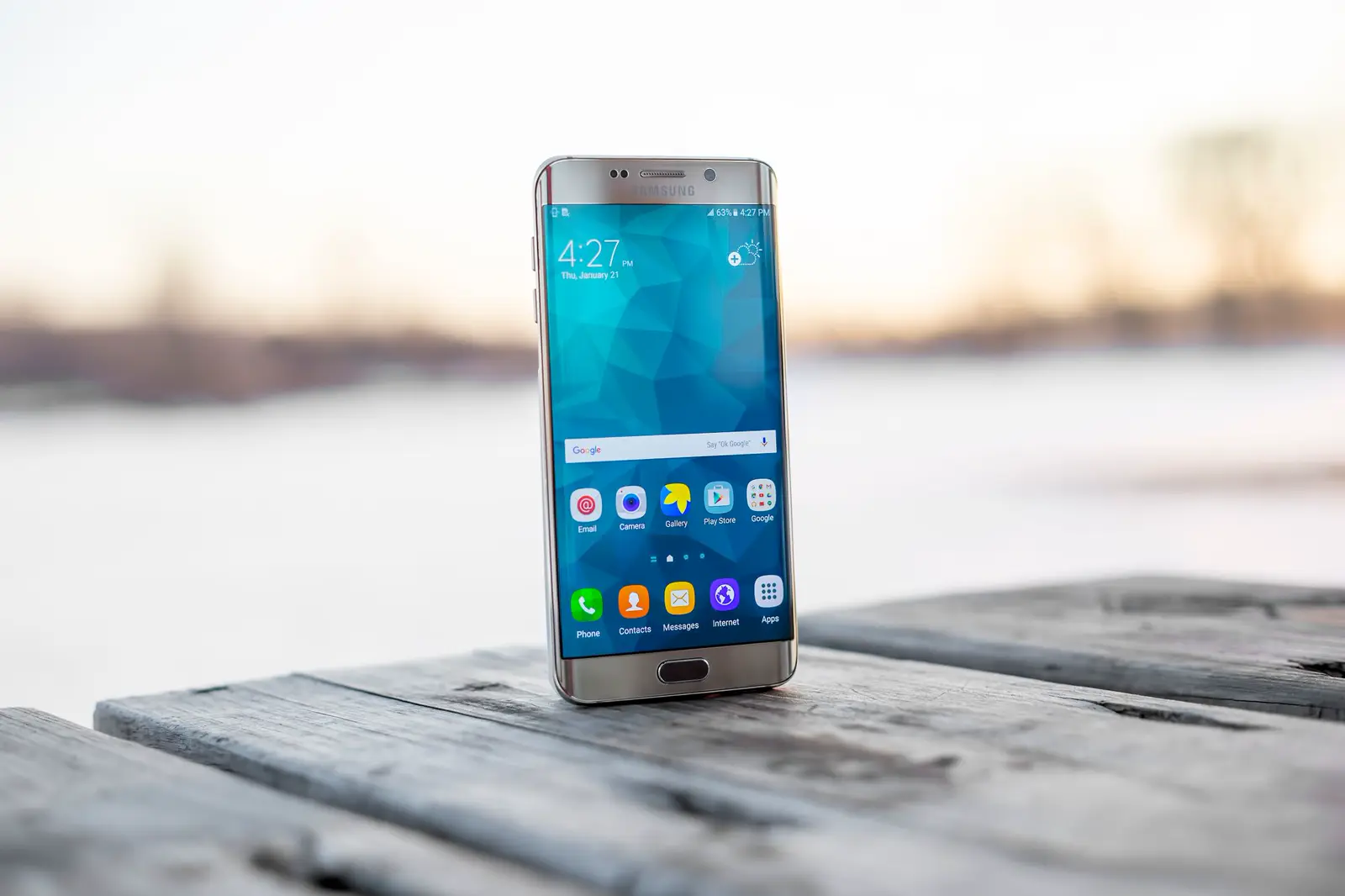
AT&T call forwarding, for the wireless service on AT&T's own page, is changed on the wireless phone. It is not a setting you turn on from the website. The page does not publish star codes. Do not borrow *72 or *71 from a Verizon article and dial them on an AT&T line because another carrier uses them.
This article follows Forward calls, last updated April 2, 2025, as fetched on November 10, 2026. AT&T also links device tutorials (Android, iPhone, and others). Those tutorials were not used here, so this page does not invent their taps.
What the page says you can do
The article says you can forward incoming calls to another number, and that you can change the setting only from your wireless phone, not online. It says the feature is available for most wireless plans, and that some plans may not include it.
It tells you to choose the phone's menu tutorial for the device you have. Because those steps were not re-checked for this post, the safe instruction is: open AT&T's page on the phone you use, pick your device, and follow that tutorial. If the tutorial and this summary ever disagree, follow AT&T.
Voicemail, busy, and what does not forward
The page says call forwarding overrides voicemail. If forwarding is on, calls go to the number you set, not to AT&T voicemail.
It says you can set a different number for calls that come in while you are already on a call. If you do not, those callers get a busy signal. That is a second destination, not a second copy of the same forward. If you only set the main destination, a caller who hits a busy line does not reach your business phone. They get the busy tone.
Text messages are not forwarded. A customer who texts the AT&T number is not reaching the forwarded line. Do not publish the AT&T number as a text line for the business and expect those texts to arrive somewhere else.
International numbers are not a destination. The page says you cannot forward to an international number.
What you may pay
The page says you pay for the call as if you answered it, for the length of the forwarded call. If the destination is long distance, you may also pay long-distance charges. If you are roaming, roaming charges may apply. It also says some plans do not count those minutes against the plan.
Read that against your own plan. This article cannot tell you whether your plan is one of the ones that excludes the minutes. The page does not list a monthly fee for the feature itself. Do not assume it is free on every older plan. Check the plan, then place a test call and look at the usage if the bill matters.
Point it at a number you control
For a business, the destination should be a line that answers when you cannot: a RingKit number, or a teammate. RingKit does not port the AT&T number. The number stays on AT&T. Forwarding is how calls leave the handset.
The receptionist is an AI. It says so, uses the brief you write, and either transfers to your own team or takes a message. You get a summary. It does not book a calendar. The product side of that setup is in what an AI receptionist does. The number is $1.99 a month, and the AI time is $0.20 a minute, with the first 10 seconds of each call free. Figures are on the pricing page.
Turn forwarding on while the AT&T phone has service. Then test before you put the number on a website.
Test it, because the page gives you no code to reverse
You cannot confirm this feature by dialing a code this page does not publish. Confirm it with a phone that is not the AT&T line.
Use the steps in test call forwarding:
- Call from a second phone. Answer on the AT&T phone if you wanted the phone to ring first. If you wanted every call to leave immediately, the AT&T phone should not be the thing that answers.
- Call again and do not answer. The forwarded number should get it, not AT&T voicemail, because the page says forwarding overrides voicemail.
- Call while the AT&T phone is already in a call. If you did not set a busy destination, the page says the caller gets a busy signal. If you did set one, that number should ring.
Write down the result. If voicemail still answers, forwarding is not the thing handling the call, whatever the menu says.
Other carriers publish dial codes for immediate and conditional forwarding. AT&T's page does not. Do not paste a Verizon or T-Mobile code into an AT&T phone because a different article lists one.
If voicemail is how you work today
Read the override line again before you turn forwarding on. The page says forwarding overrides voicemail. Callers will not land in the AT&T mailbox while the forward is active. If that mailbox is where you collect job requests, you will stop getting those messages until you turn the forward off. The replacement is the destination you set: a person, or a receptionist that takes a message and sends you a summary.
The busy case is separate. The page says a caller who reaches you while you are already on a call gets a busy signal, unless you set a second number for that case. A business that is often on the phone needs that second number, or those callers never leave a message and never reach the forwarded line. Set it in the phone tutorial, then test with the AT&T phone already in a call. A single test while the phone is idle will not show this.